
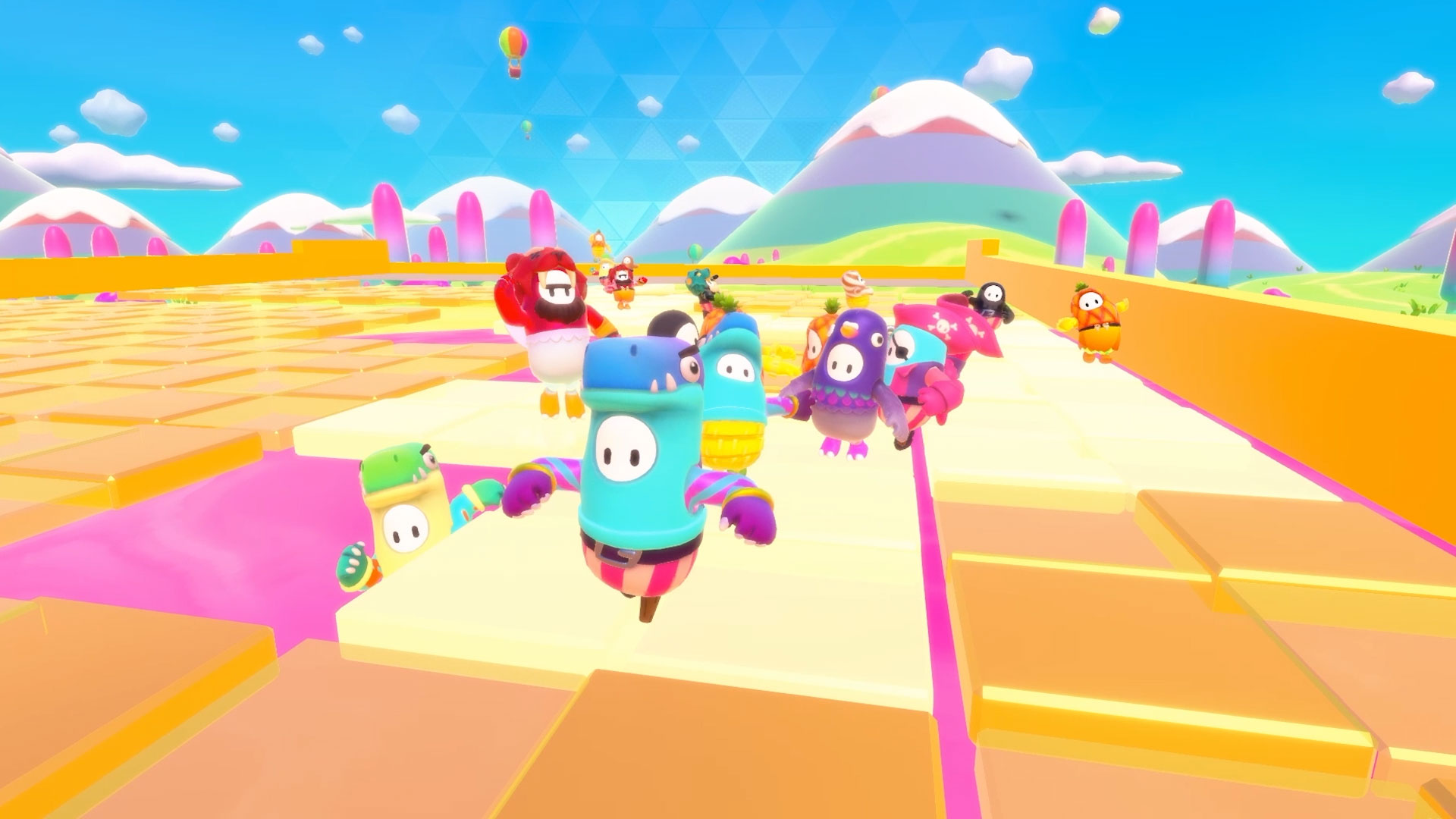
When Fall Guys first burst onto the gaming scene, it instantly became a multiplayer favorite with its wacky obstacle courses and colorful characters. Whether you’re racing through Whirlygig or dodging fruit in Fruit Chute, it’s the kind of game that’s more fun with friends. But with the game now available on multiple consoles and platforms, one big question stands out: is Fall Guys cross platform?
If you’ve ever been unsure about whether you can play with friends who use different gaming systems, this guide will break it down for you. From setup steps to cross-progression and platform restrictions, everything you need to know is covered here.
Table of Contents
Is Fall Guys Cross Platform Across All Devices?
Yes, Fall Guys is cross platform, and the developers have made sure it works smoothly across nearly every major gaming system. Whether you’re playing on a PlayStation 4, PlayStation 5, Xbox One, Xbox Series X/S, Nintendo Switch, or PC, you can connect and play with anyone on those systems.
This full crossplay functionality means you don’t have to worry about platform barriers anymore. You and your friends can be in different rooms—or even different countries—using different devices, and still compete together in the same game session.
What’s required? Just one simple thing: an Epic Games account. Once you’ve linked your game to your Epic account, you’re ready to join the party.
How to Enable Crossplay in Fall Guys
Step 1: Create or Log In to Your Epic Games Account
Fall Guys now runs through Epic Games, so every player must connect to an Epic account. If you don’t already have one, creating it is free and takes just a couple of minutes. This account is the core system that ties your progress, friends, and platform access together.
Once you link your PlayStation, Xbox, Nintendo, or PC game to Epic, you unlock access to full multiplayer support across platforms.
Step 2: Add Friends Using Their Epic Display Name
After your account is ready, head to the in-game social tab. From there, search and add friends by their Epic Games display name (not their PlayStation ID or Xbox Gamertag). Once accepted, you’ll be able to invite them to your party regardless of what platform they’re on.
This makes it extremely easy to connect across devices, even if everyone’s playing on something different.
Step 3: Start a Cross-Platform Party
With friends added, simply invite them to your party in the game. You’ll all queue up together for the same shows, mini-games, and finales. The matchmaking system will automatically handle the crossplay backend—you won’t even notice a difference.
What About Cross-Progression?
One of the best parts of linking your Epic Games account is cross-progression. That means all your levels, costumes, kudos, and fame pass progress are shared between platforms.
For example, if you unlock an outfit while playing on your PlayStation, that same outfit will be available when you next log in from your PC or Switch. As long as the same Epic account is linked, your progress travels with you.
This is ideal for players who switch devices often or use different systems in different places—like gaming on your console at home and on your laptop while traveling.
A Few Things to Keep in Mind
Even though Fall Guys is cross platform, there are a couple of platform-specific restrictions to note:
- Show-Bucks Limitations: If you buy Show-Bucks (premium in-game currency) on your Nintendo Switch, for example, those funds may not carry over to your other devices. Purchases made with real money often stay tied to the platform they were bought on.
- Exclusive Items: Some costumes or bundles may only be available on specific platforms for a limited time. These items are still usable in crossplay matches, but they might not be available to unlock elsewhere.
- Custom Games: Fall Guys supports cross-platform play in custom games too. Just make sure all players are on the latest version of the game to avoid compatibility issues.
Is Fall Guys Cross Platform on Switch?
Yes, Fall Guys is cross platform on Nintendo Switch, and it works just like on any other platform. Whether you’re playing on a handheld or docked mode, you can compete in the same matches as players on PlayStation, Xbox, or PC.
Once you connect your Switch game to your Epic Games account, all crossplay features unlock automatically. You’ll be able to join parties, accept invites from friends using other systems, and play custom games without any issue.
It’s also worth noting that the Switch version fully supports cross-progression. So if you’ve played Fall Guys on another console and later log in from your Switch, all your progress, outfits, and achievements will be there—provided it’s the same Epic account.
The only limitation, as mentioned earlier, is with in-game currency. Show-Bucks purchased on Nintendo Switch cannot be used on other platforms, and vice versa. But aside from that, the multiplayer compatibility on Switch works smoothly and adds great flexibility for portable gaming fans.
Is Fall Guys Cross Platform Between PS4 and Xbox?
Absolutely. If you’re wondering whether Fall Guys is cross platform between PS4 and Xbox, the answer is a firm yes. Players on PlayStation 4 and Xbox One—or even PS5 and Xbox Series X/S—can team up or face off in the same matches without any barriers.
All you need to do is link your console to an Epic Games account. Once that’s done, you’ll be able to add friends using their Epic Display Names and create parties across platforms. This makes it super convenient for friends using different consoles to enjoy Fall Guys together.
The connection between PS4 and Xbox users is stable, and matchmaking is seamless. Whether you’re playing a solo show or a team round, your experience will be consistent regardless of which system you’re on.
So yes, if you’re on PlayStation and your friend is on Xbox, you can absolutely enjoy the chaos of Fall Guys together.
Why Cross-Platform Support Makes Fall Guys Better
The decision to make Fall Guys cross platform wasn’t just technical—it improved the overall experience for everyone.
Better Multiplayer Connectivity
You don’t have to leave friends out just because they use a different console. Crossplay makes it possible for everyone to join the same session, keeping social gaming alive and flexible.
Shorter Wait Times for Matchmaking
With a larger combined pool of players, matchmaking becomes much faster. Whether it’s morning or late at night, you’re more likely to find a full group instantly.
Seamless Game Experience
Switching from console to PC? No problem. Want to try the game on your Nintendo Switch without starting from scratch? You’re covered. This seamless experience is exactly what modern multiplayer games need.
Final Thoughts
So, is Fall Guys cross platform? Absolutely. And not only that—it works smoothly across all major platforms, with crossplay and cross-progression built right in. You can team up with friends on any device and keep your game progress synced no matter where you play.
Whether you’re jumping in solo or squadding up for a chaotic team round, Fall Guys gives you the flexibility to enjoy it your way. As long as you have your Epic Games account set up, the doors to multiplayer fun are wide open.
So go ahead grab your crown, invite your friends, and start stumbling to victory!
Frequently Asked Questions
Q1. Can you play Fall Guys between PC and Xbox?
Yes, PC and Xbox users can play Fall Guys together. You just need to link your Epic Games account and add your friend using their Epic Display Name.
Q2. Do I need to pay for cross-platform features?
No. Crossplay and cross-progression in Fall Guys are completely free. You only need to create an Epic Games account and connect your platform.
Q3. Can I switch between platforms and keep my progress?
Yes. All your unlocked costumes, fame pass levels, and achievements follow you across platforms through your Epic Games account.
Q4. Are there limits to in-game purchases?
Some platform-specific purchases (like Show-Bucks on Nintendo Switch) might not transfer between devices. So it’s best to make cosmetic purchases on the system you use most.